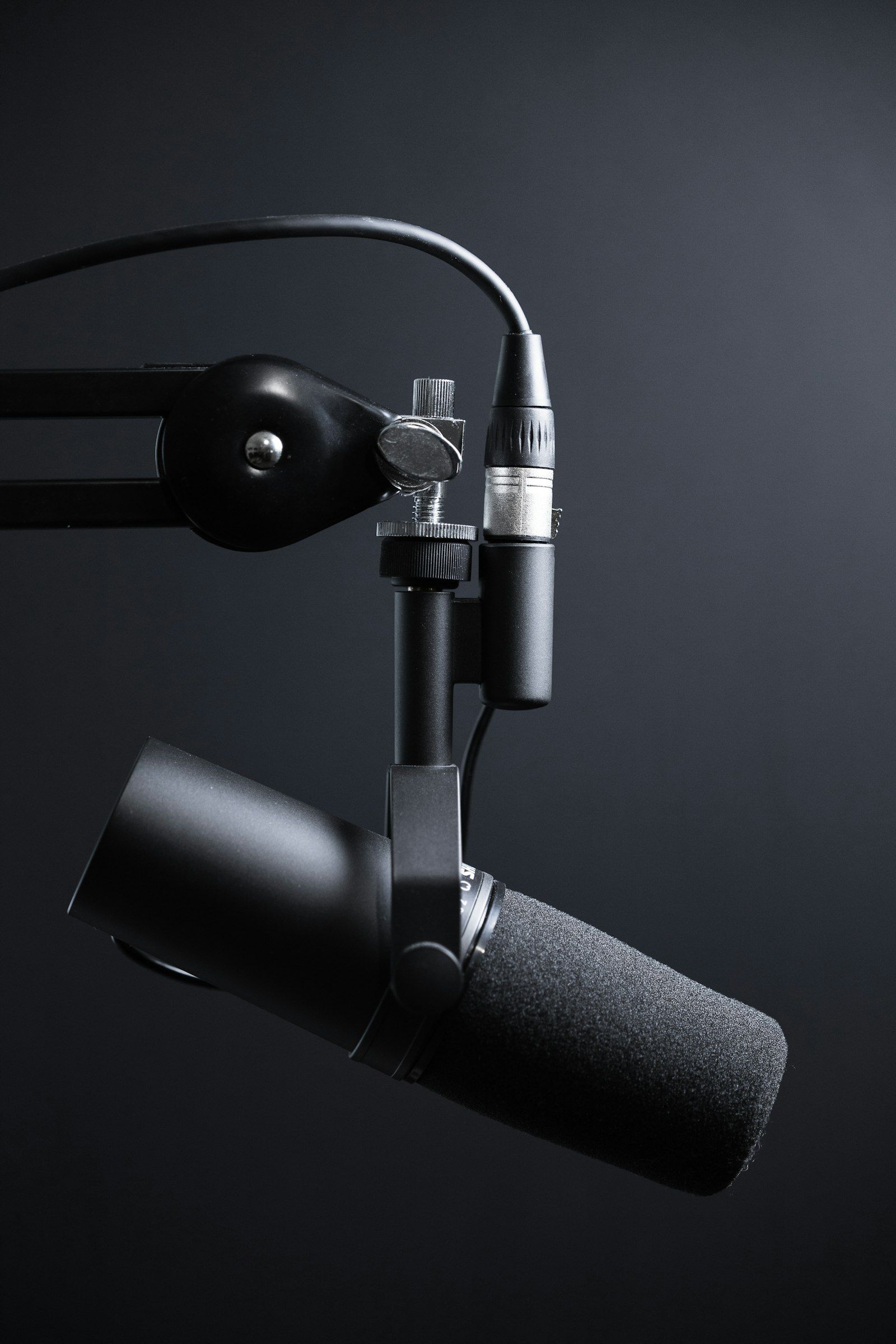
Text-based chatbots have been mainstream for years. But the next wave of customer support AI adds something fundamentally different: voice. Visitors can now speak to an AI assistant on your website and hear a natural-sounding response in return -- no phone tree, no hold music, no wait.
Why voice matters
Speaking is faster than typing. The average person types at 40 words per minute but speaks at 150. For complex questions -- "I need to reschedule my appointment from Thursday to next Monday afternoon" -- voice input is dramatically more efficient than pecking at a mobile keyboard.
Voice also opens your support channel to people who find typing difficult: older adults, visitors with motor impairments, and anyone browsing on a small screen while multitasking.
How modern voice AI works
The pipeline has three stages. First, speech-to-text (STT) converts the visitor's audio into text using models like OpenAI Whisper. Second, the text is processed by a large language model that understands context and generates an answer. Third, text-to-speech (TTS) from providers like ElevenLabs converts the response into natural-sounding audio that plays back in the browser.

The entire round trip takes under two seconds on a modern connection. To the visitor, it feels like talking to a knowledgeable staff member.
Real-world impact
Businesses that add voice to their AI chat report measurable improvements:
- Average conversation length increases by 40%, meaning visitors engage more deeply with your content.
- Lead capture rates improve because visitors are more likely to share contact details verbally than through a form.
- Customer satisfaction scores rise because voice feels more personal than text.
Getting started
If your AI chat provider supports voice, enabling it is usually a single toggle. BizFinder.ai includes voice input and output out of the box -- visitors see a microphone icon in the chat widget and can switch between text and voice freely. No additional setup or API keys required on your end.